Our Cognishine platform is now accessible at app.cognishine.com. This site now serves as our information portal.
Beyond ready-made activities and the AI Activity Creator, Cognishine gives you two more ways to make the moment fit the client — generate a reading task in seconds, or open a shared canvas and create together, live.
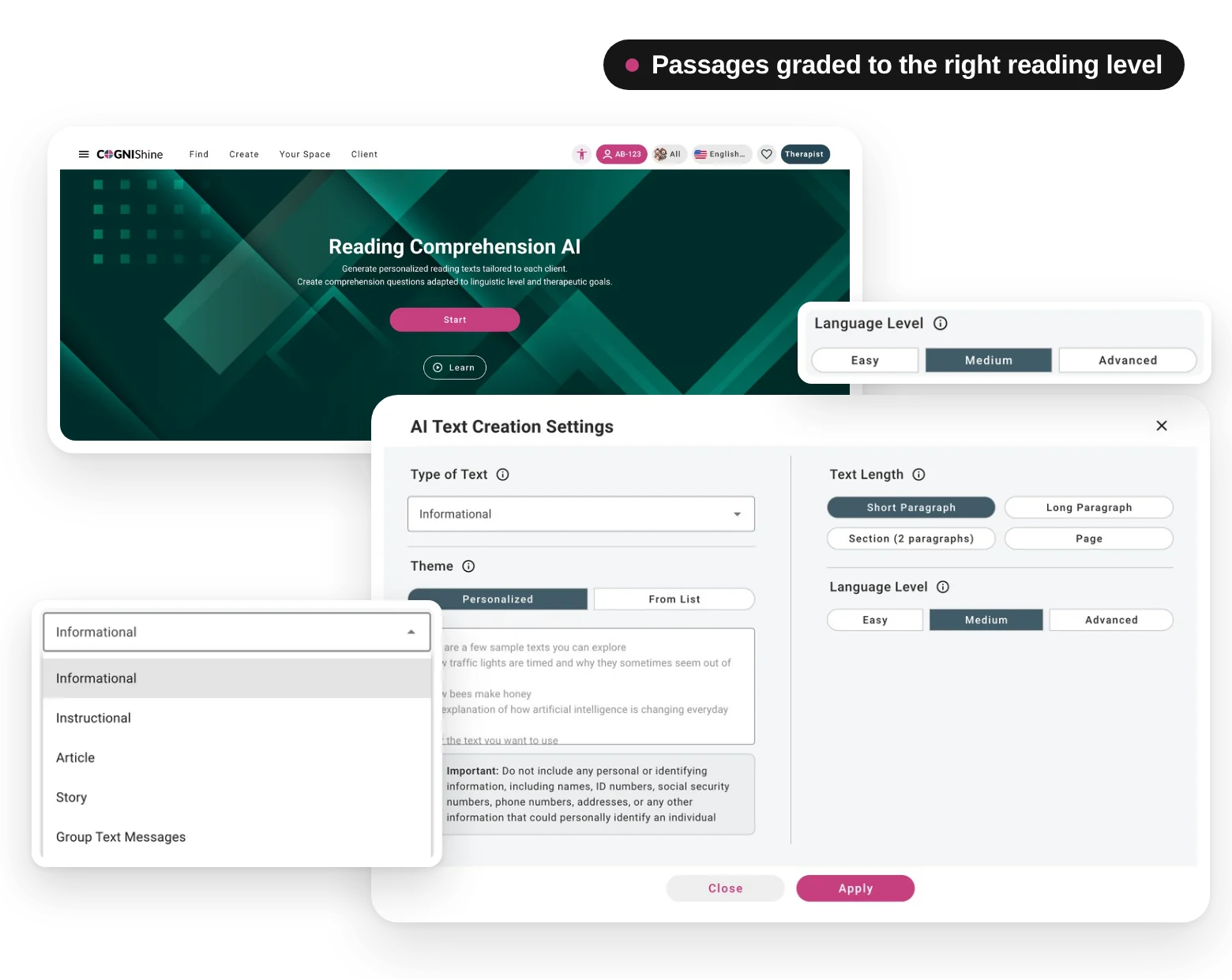
Describe the level, topic and goal, and Cognishine generates a reading passage with comprehension questions matched to your client. Preview it, adjust the wording, and save it to your activities — you stay in control of what’s used.
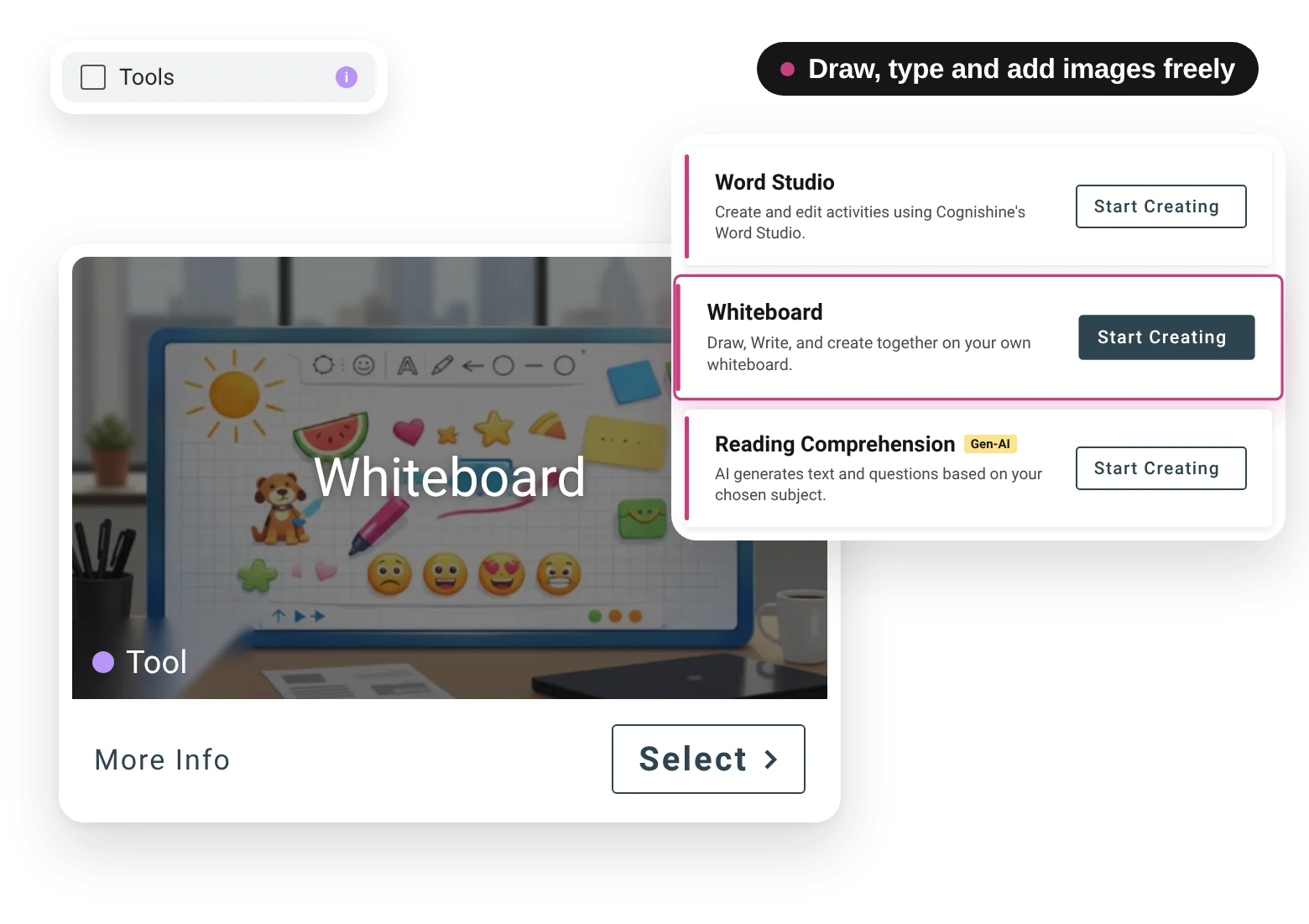
A shared canvas for the session. Sketch, type, drop in images and activities, and work side by side — in the room or remotely. A flexible space for the moments a ready-made activity doesn’t quite cover.
Ready-made activities, AI generation, reading comprehension and a shared whiteboard — all inside Cognishine. Try it free, or see it in a quick demo.
